
Calender

Update Your NID

1 Download the form
2 Submit your details
Step 1 of 2 — Download the NID Self Declaration Form
Before you can submit your details, please download theNID Self Declaration Form.
  1. Download the form using the button below.
  2. Print it, fill it in and sign it.
  3. Scan it or take a clear photo of it (PDF, JPG, JPEG or PNG, up to 5MB).
  4. Come back to this page and upload it along with your NID images.
Download NID Self Declaration Form

The submission form opens on this page as soon as the download starts. If it does not appear, please refresh this page.

Your Security Matters

Reliance Finance Limited will never ask for your PIN, password, OTP or any confidential information through this service.

How it works?
Download the form

Download theNID Self Declaration Form, then fill it in and sign it.

Submit your request

Fill in the required details, give your consent, upload the signed form and submit your request online.

We verify

We will verify your details with the Bank and the National Identity Authority.

Stay informed

You will receive an email about the status of your request.

Update completed

Once approved, your NID information will be updated in your account.
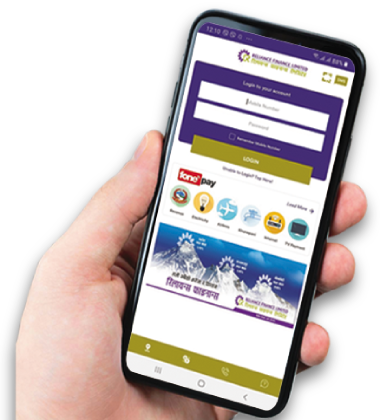
GO DIGITAL, Explore the unlimited

DIGITAL BANKING Experience with Reliance Finance
Accessibility Tools

Text Size

Contrast

Alignment

Color Filters

Text Spacing

Font

Cursor

Reading & Highlights


Text to Speech